Basic account information
This page supports viewing and modifying information such as account name, account (phone number), password, email, and organization name.
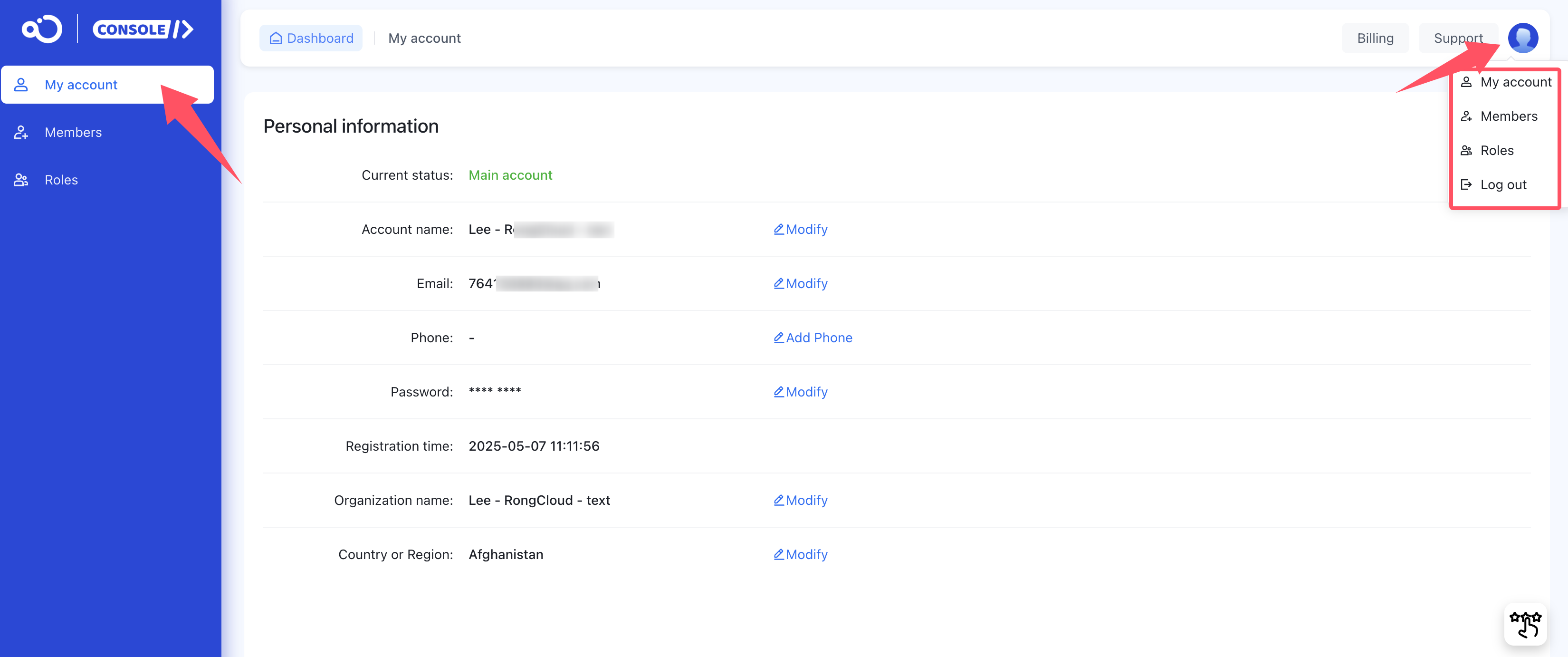
- Account name: The name of this account. You can modify this name at any time, and it will not affect the use of applications and business.
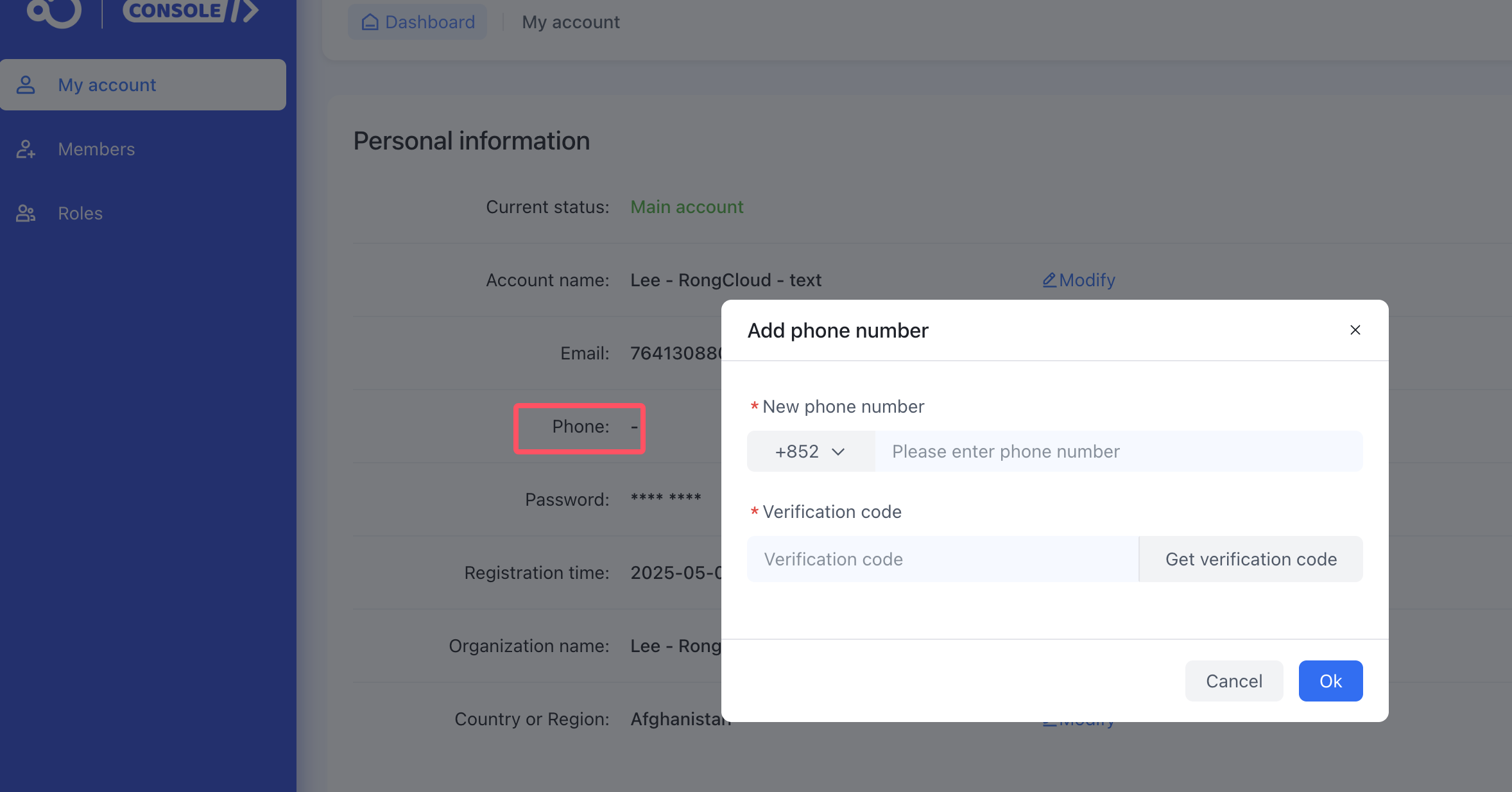
- Phone: You can add a phone number to use when logging into the console. When adding, you need to enter a verification code to verify the number. It supports modifying the phone number. You can directly enter a new phone number and receive a verification code to modify it, without needing verification from the original phone number.
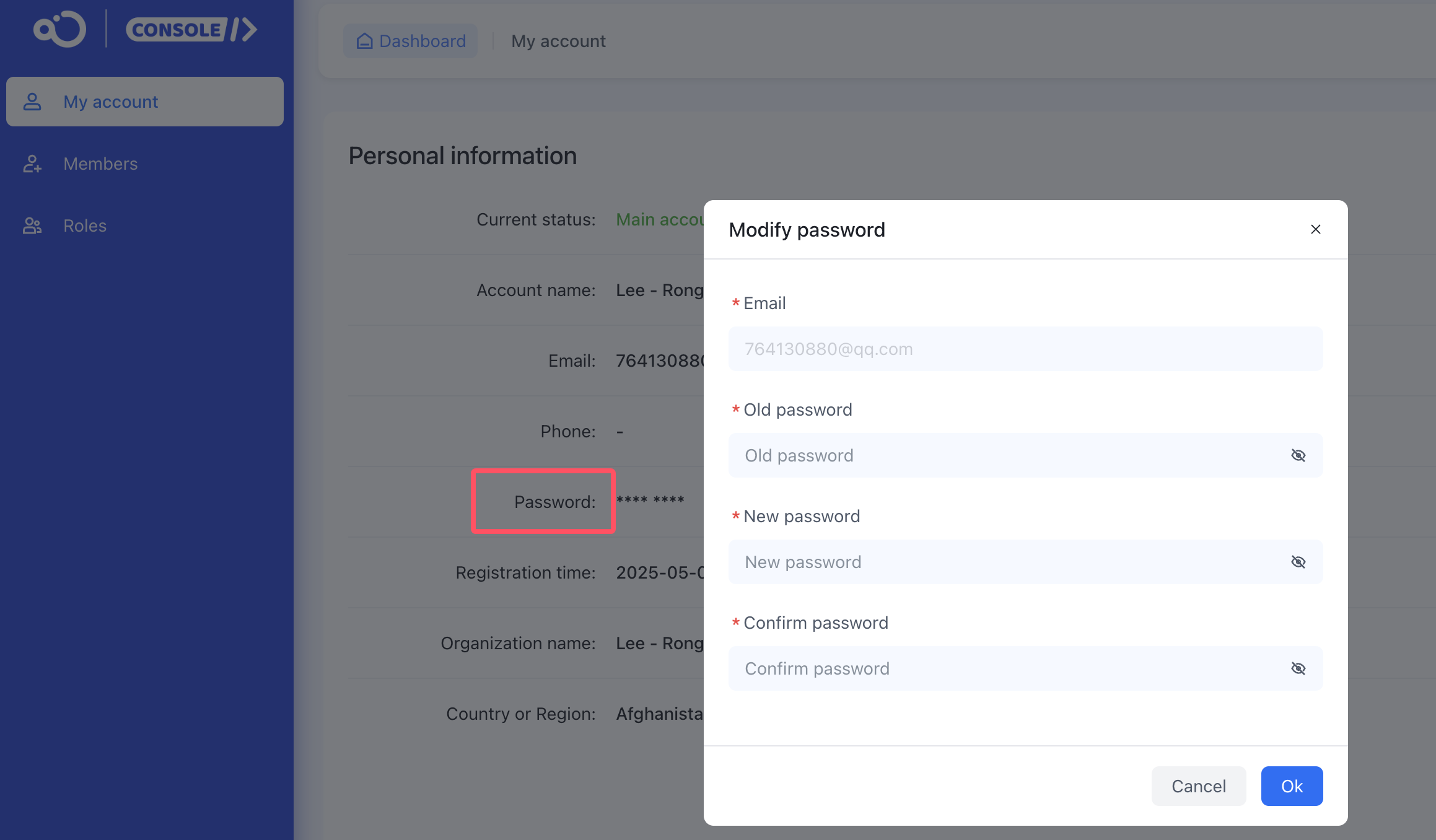
- Password: Please set a password of 8-20 characters, which must include uppercase and lowercase letters, numbers, and special symbols.
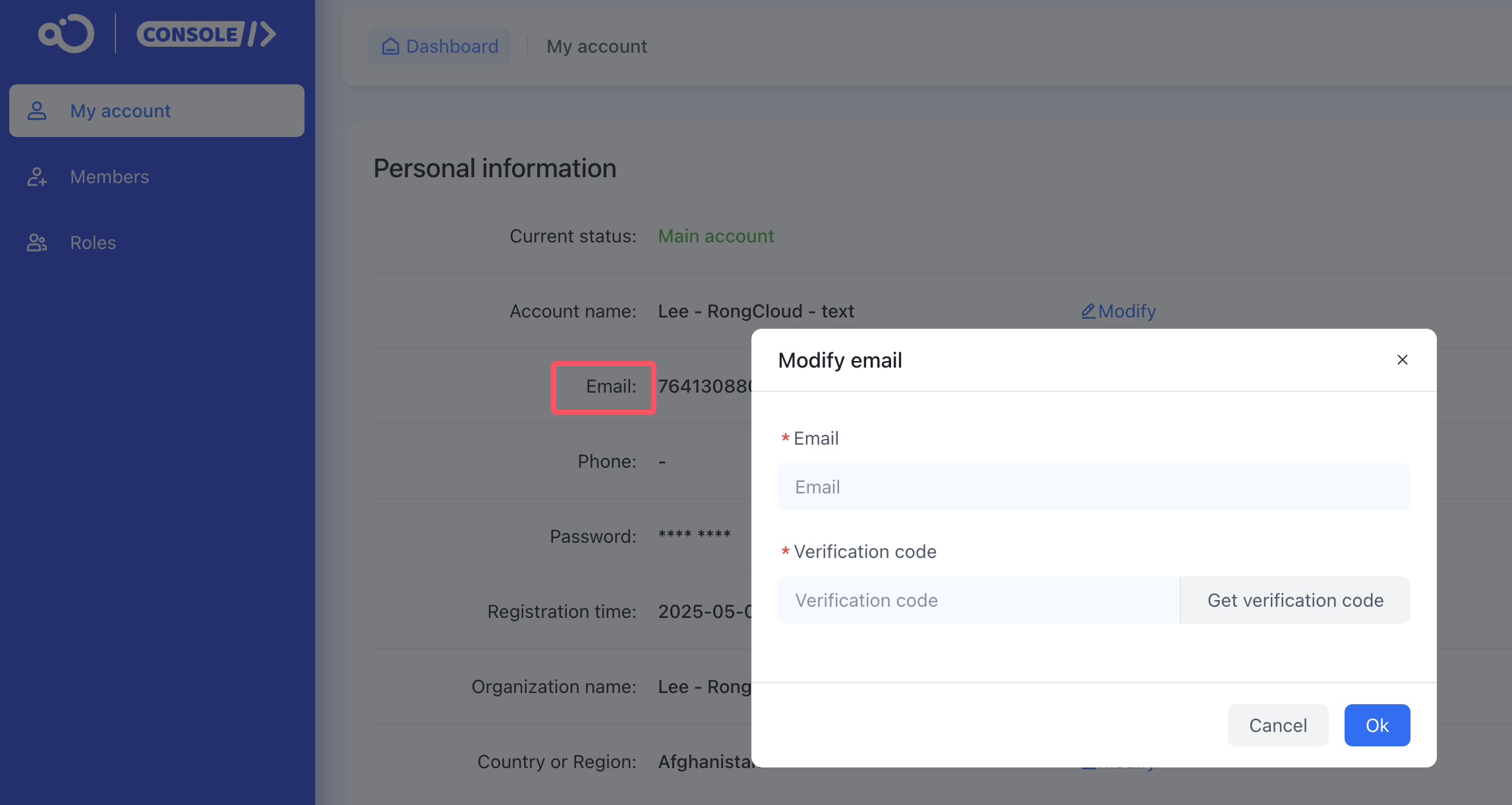
- Email: If you do not receive the verification code email in your inbox, you can check if the system identified it as “spam”. Try looking in the “spam” folder and confirm to receive such emails normally in the future.
To modify the email, you can directly enter a new email to get a verification code email to confirm the modification.
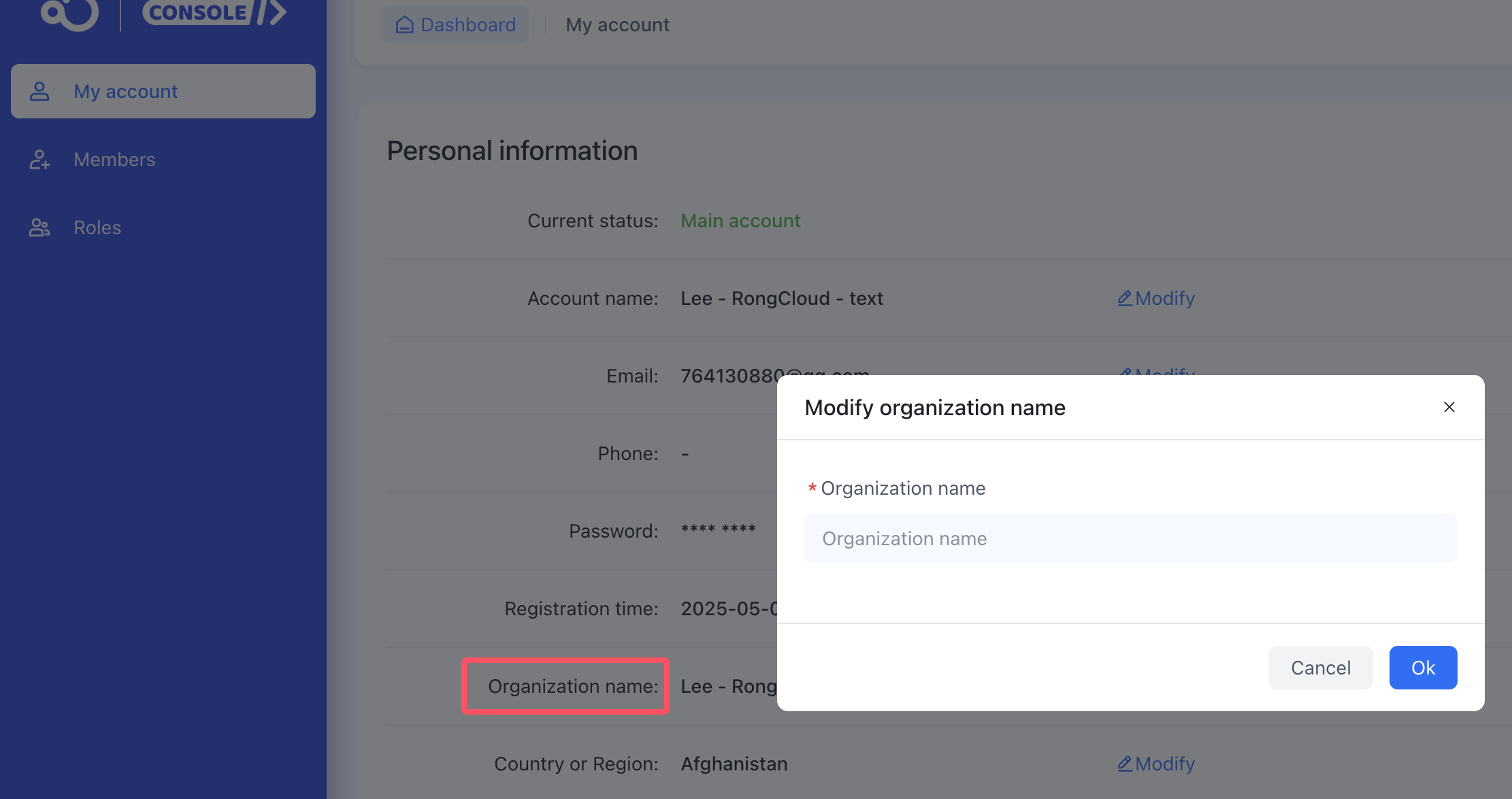
- Organization name: Modifying the name does not affect already created applications.
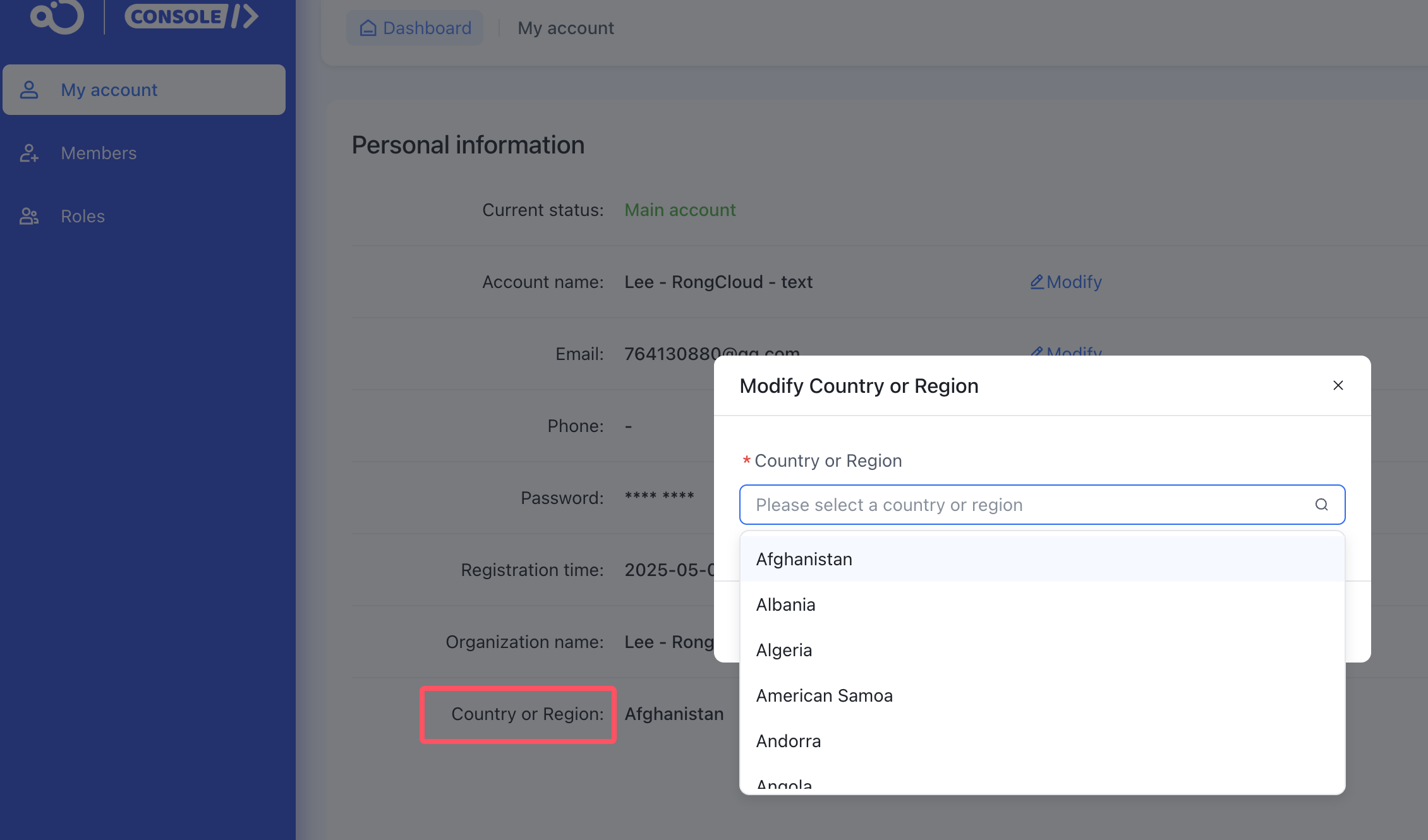
- Country or Region: Modifying the country or region does not affect already created applications.
Related tags: How to modify password? How to add or modify phone number? How to modify email? How to change name?
If you have any questions about this feature, submit a ticket to contact us.