Description
-
If a user’s mobile device is offline, but their web client is online (meaning the SDK has established a connection with the Nexconn server), Nexconn assumes the user can receive real-time messages on their web or PC client. Therefore, no push notifications for new messages will be sent to any of the user’s mobile devices.
-
To change this default behavior, you can enable Send to mobiles when web/PC online for your App Key. Once enabled, offline mobile devices will receive push notifications even when the user is online on a web or PC client.
There are no prerequisites for enabling this feature. However, to receive push notifications correctly, please ensure you have completed all necessary configurations as described in the Get started with push 2.0 integration and Integrate APNs Remote Notifications.
How to enable
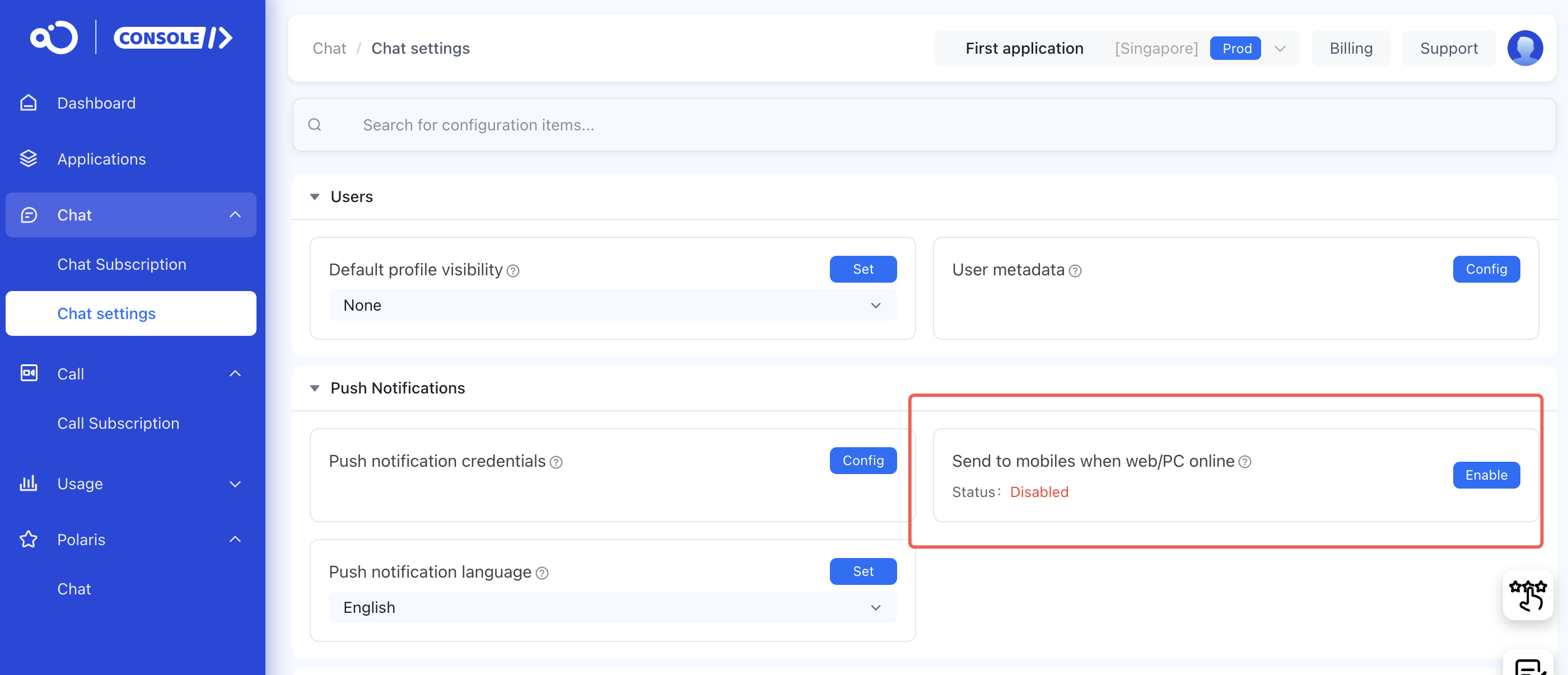
Go to the Chat settings page in the console, confirm that the correct application name and environment (Development/Production) are selected, and then click Enable.
Tags: receive push on multiple clients, why am I not receiving push notifications, unable to receive push
If you have any questions, feel free to create a ticket to us.