The Development environment is convenient for developers to perform integration development and testing.
Overview
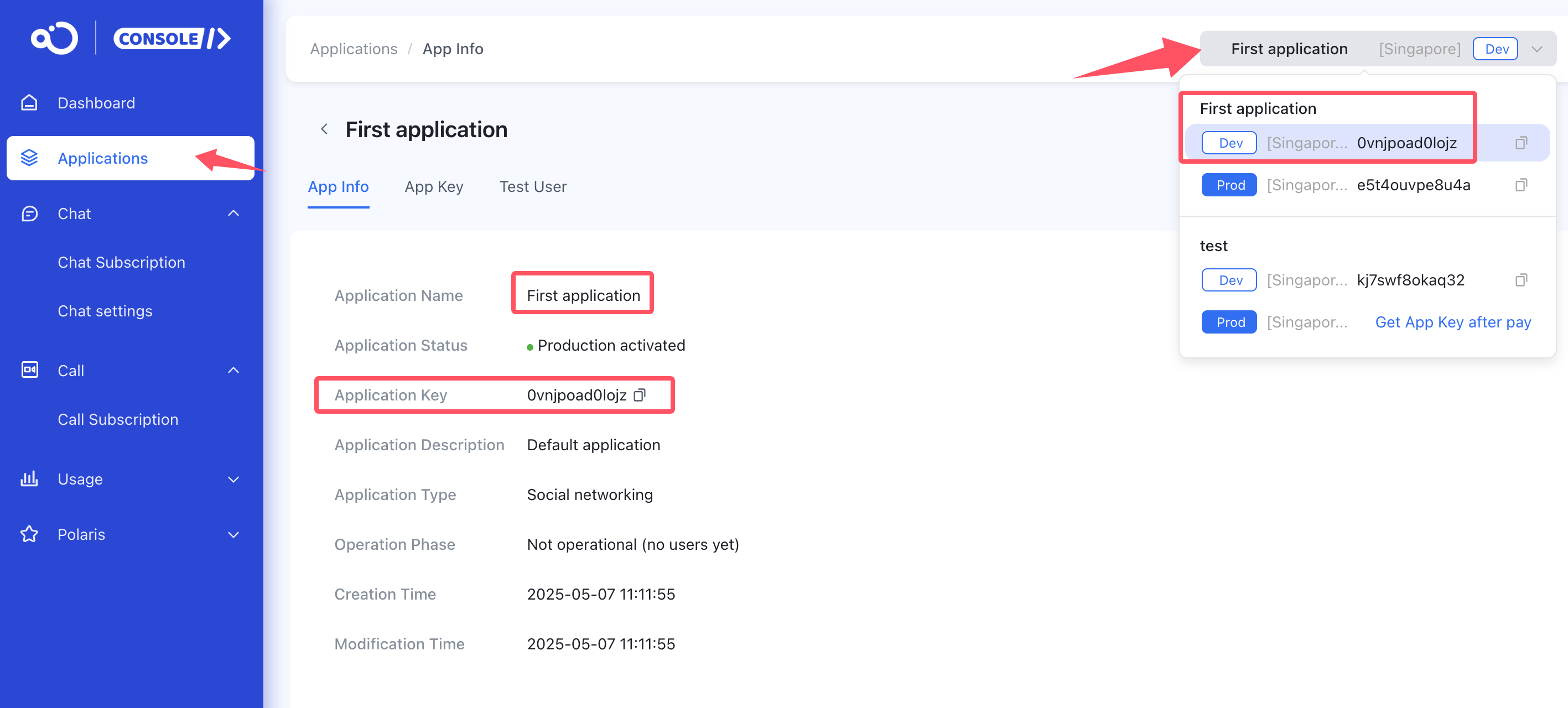
Each Nexconn application provides two environments: Development and Production. New applications use the development environment by default when created in the console.
Data isolation between the two environments is completely independent, avoiding conflicts between test data and online data. They provide different App Keys.
Notes
-
Each application has a set of App Key and App Secret for the development environment and a set for the production environment. When using them, the App Key and App Secret must match. Do not mix App Keys and App Secrets from different environments.
-
When your application development is nearly complete, you can switch to the production environment. How to Purchase and Manage RC Plans
-
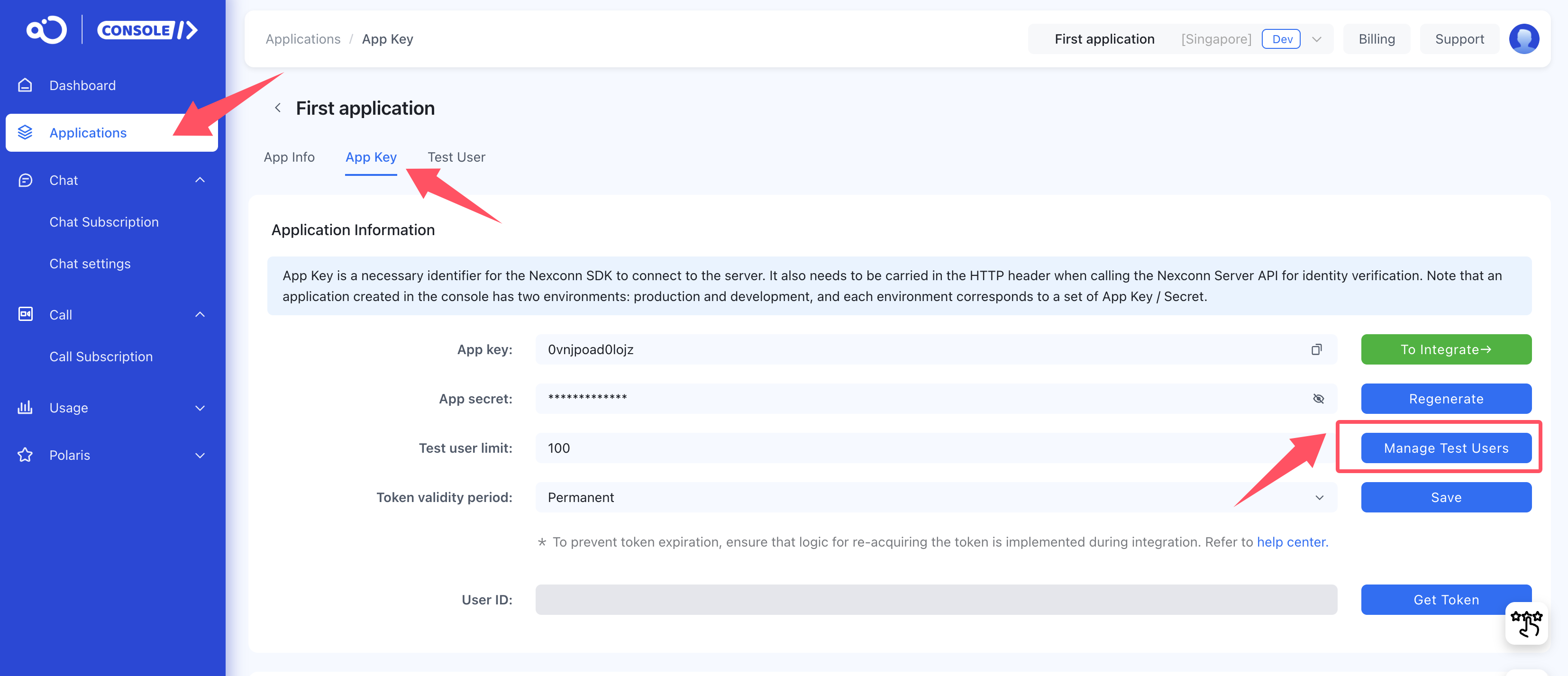
The Development environment has a maximum of 100 registered users. Other features are basically the same as the [Production environment](Missing link: What is the production environment).
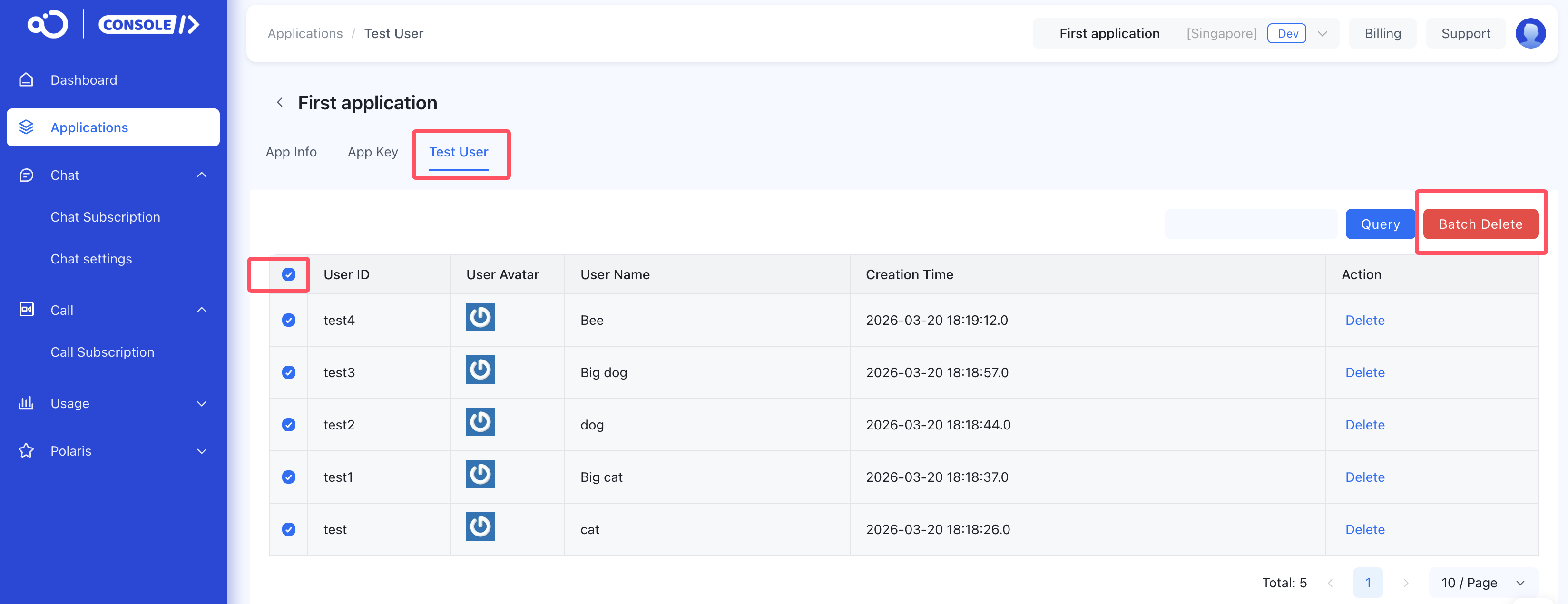
When the number of registered users reaches the limit, you can batch delete them on the Manage Test Users page for reuse. As shown below:
If you have any questions about this feature, submit a ticket to contact us.